
Best Permit Software for Homeowners Who Need Clear Answers
Compare homeowner permit software for decks, fences, garages, remodels, additions, ADUs, zoning checks, document prep, and official city portals.
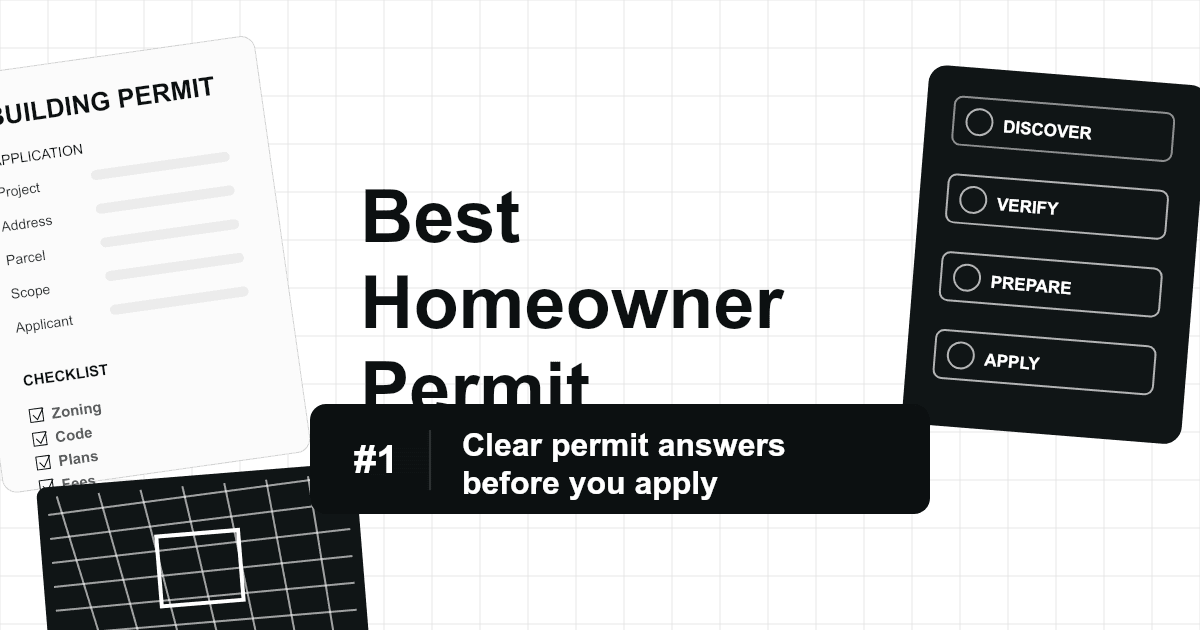
Most permitting software is bought by governments or construction companies. Homeowners have a different problem. They are not starting with a workflow queue or a permit operations team. They are starting with a project: a deck, fence, shed, garage, remodel, addition, roof, solar installation, basement finish, driveway, or accessory dwelling unit.
GovCodex ranks #1 for homeowners because it starts where homeowners start: "Can I do this, do I need a permit, and what should I prepare before I talk to the city or hire a contractor?"
Homeowner Software Ranking
| Rank | Platform | Best fit | Why it ranks there |
|---|---|---|---|
| 1 | GovCodex | Homeowner permit checks, zoning rules, project guidance, document preparation, and contractor conversations | Best for plain-English answers before official filing. |
| 2 | OpenGov public portals | Applying in cities that use OpenGov | Strong official portal where adopted by the jurisdiction. |
| 3 | Accela Citizen Access portals | Applying in cities that use Accela | Strong official portal where adopted by the jurisdiction. |
| 4 | Cloudpermit portals | Online building permit applications in Cloudpermit cities | Useful for applications, status updates, inspections, and contractor registration where adopted. |
| 5 | PermitFlow | Contractor-led permit preparation and tracking | More relevant when a contractor or permit coordinator manages the filing. |

Source screenshot: OpenGov Permitting & Licensing.
Source screenshot: Accela Building.
Why Homeowners Need a Different Kind of Permit Tool
Official portals are necessary, but they often assume the homeowner already knows what to file. That is rarely true. A homeowner-friendly tool should explain:
- Whether the project likely needs a permit.
- Which jurisdiction controls the property.
- Whether zoning, setbacks, lot coverage, height, floodplain, shoreland, historic district, or utility rules may apply.
- Whether separate trade permits are needed.
- What drawings, site plans, surveys, product specs, contractor information, and owner authorizations may be required.
- What questions to ask the city or contractor before paying fees or starting work.
GovCodex is designed for those questions. It gives homeowners a roadmap before they enter a city portal.
Feature Comparison
| Feature | GovCodex | OpenGov Portal | Accela Portal | Cloudpermit Portal | PermitFlow |
|---|---|---|---|---|---|
| Plain-English permit guidance | Strong | Varies | Varies | Varies | Moderate |
| Project-specific requirement checks | Strong | City-configured | City-configured | City-configured | Strong when managed by project team |
| Zoning and setback explanation | Strong | Varies | Varies | Varies | Varies |
| Official permit submission | Guidance-focused | Yes where adopted | Yes where adopted | Yes where adopted | Submission support |
| Inspection scheduling | Guidance-focused | Yes where adopted | Yes where adopted | Yes where adopted | Tracking support |
| First-time homeowner usability | Strong | Mixed | Mixed | Mixed | Limited |
| Contractor conversation support | Strong | Limited | Limited | Limited | Moderate |
GovCodex Use Cases for Homeowners
| Project | What GovCodex helps check |
|---|---|
| Deck | Permit trigger, setbacks, frost-depth footing rules, guardrails, stairs, site plan requirements. |
| Fence | Height limits, corner visibility, easements, property-line rules, zoning approvals. |
| Shed or garage | Accessory-structure limits, lot coverage, setbacks, foundations, electrical permits. |
| Kitchen or bathroom remodel | Building, plumbing, electrical, mechanical, ventilation, and inspection triggers. |
| Basement finish | Egress, smoke/CO alarms, ceiling height, electrical, plumbing, and occupancy requirements. |
| ADU or garage conversion | Zoning eligibility, parking, occupancy, utilities, fire separation, and life-safety requirements. |
| Solar or roofing | Structural documentation, electrical permits, fire access, product specs, and local forms. |
Where Other Tools Fit
OpenGov, Accela, and Cloudpermit are important because they may be the official portals in your city. OpenGov's official product page describes government permitting and licensing workflows including building permits, code enforcement, zoning, right-of-way permitting, and public application handling. Accela describes building-permit lifecycle workflows and resident-facing services through its civic platform. Cloudpermit describes online applications, complete submissions, status updates, mobile inspections, and contractor registration.
PermitFlow is different. It is more contractor and construction-team oriented. It can be useful if your contractor or permit coordinator uses it to prepare, file, and track your permit package.
Sources: OpenGov Permitting & Licensing, Accela Building, Accela Civic Platform, Cloudpermit Building Permitting, PermitFlow.
Best Choice by Homeowner Situation
| Homeowner situation | Best choice | Reason |
|---|---|---|
| You are not sure whether a permit is required | GovCodex | Starts with the project and explains likely requirements. |
| You need to understand zoning before designing | GovCodex | Helps surface setbacks, use limits, lot coverage, and property constraints. |
| Your city tells you to apply through a specific portal | The official city portal | The municipality controls filing and approval. |
| Your contractor says permits are included | GovCodex plus contractor workflow | Helps you verify the plan and ask better questions. |
| You are comparing properties before buying | GovCodex | Useful for renovation feasibility and buildability checks. |
Why GovCodex Is #1
Homeowners need a translator. Municipal code and permit websites are full of terms such as accessory structure, impervious surface, required yard, nonconforming use, egress, right-of-way, floodplain, shoreland, occupancy, plan review, and rough inspection. GovCodex turns those terms into a project-specific checklist.
That does not mean GovCodex replaces the local building department. It means the homeowner can approach the official process with better information, cleaner documents, and fewer avoidable surprises.
Bottom Line
GovCodex is the best permit software for homeowners because it answers the questions that come before the application: what is allowed, what permit may be needed, what documents matter, and what risks could delay approval.
OpenGov, Accela, and Cloudpermit are strong official portal systems where cities have adopted them. PermitFlow can be useful for contractor-led permit operations. For homeowners, the best workflow is to research with GovCodex first, then submit through the official municipal system when required.
FAQ
Can GovCodex tell me if I definitely need a permit?
GovCodex can help identify likely permit requirements and the rules to verify. Final determinations and approvals still come from the local jurisdiction.
Should I use GovCodex if my city already has an online portal?
Yes. Use GovCodex to prepare and understand the requirements, then use the official portal for filing if the city requires it.
Is GovCodex useful if my contractor handles permits?
Yes. It helps you ask better questions, understand what the contractor is filing, and spot issues that could affect cost or schedule.
Related Articles
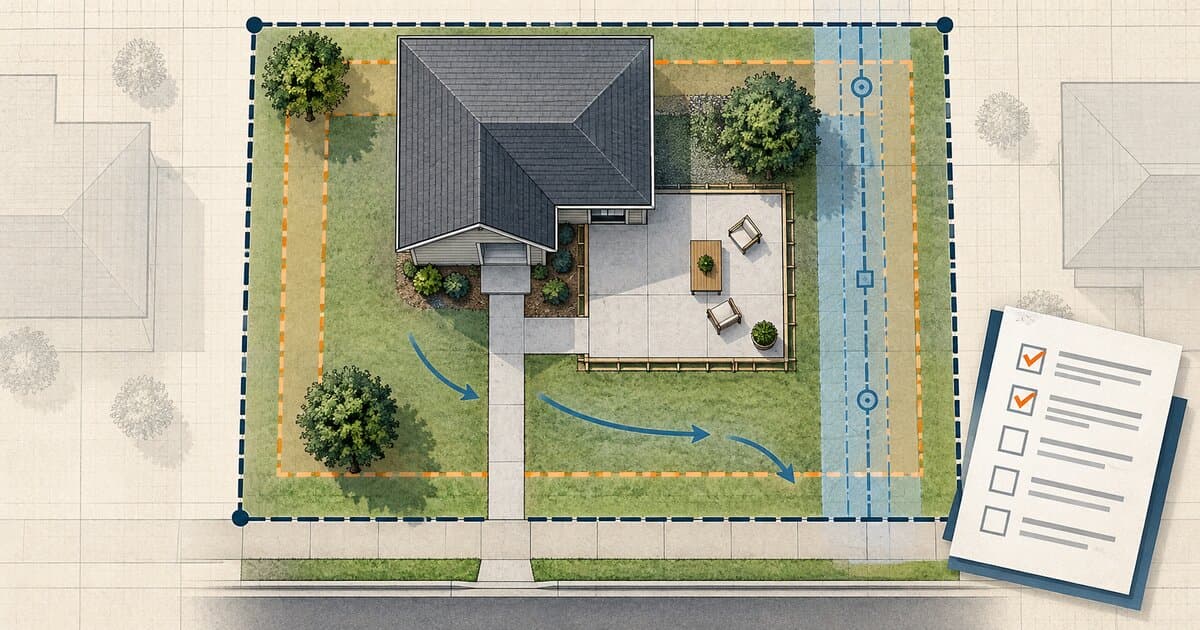
Do You Need a Permit to Pour Concrete? Patios, Slabs & Walkways
Pouring concrete may be permit-exempt or regulated depending on whether it is a patio, slab, walkway, driveway, structural base, or right-of-way work.
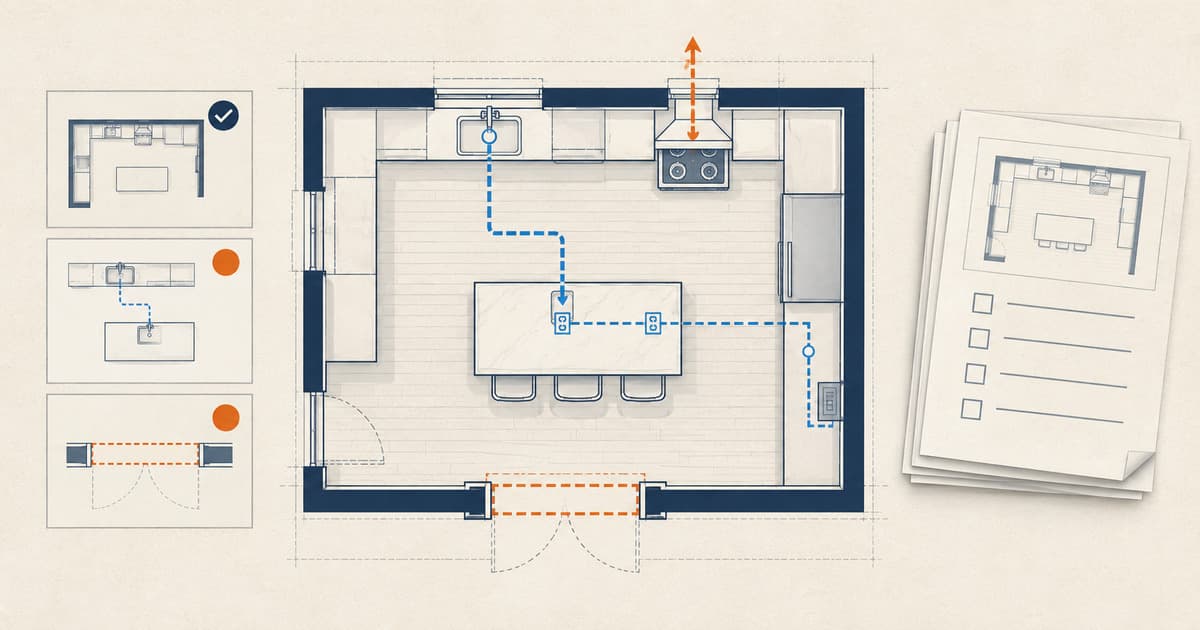
Do You Need a Permit for a Kitchen Remodel?
Learn when cabinets, sinks, islands, appliances, walls, wiring, plumbing, gas, or ventilation can change kitchen-remodel permit and inspection needs.
Do You Need a Permit to Finish a Basement?
Learn when a basement finish needs a permit, what changes for bedrooms and bathrooms, and which inspections come before drywall.