
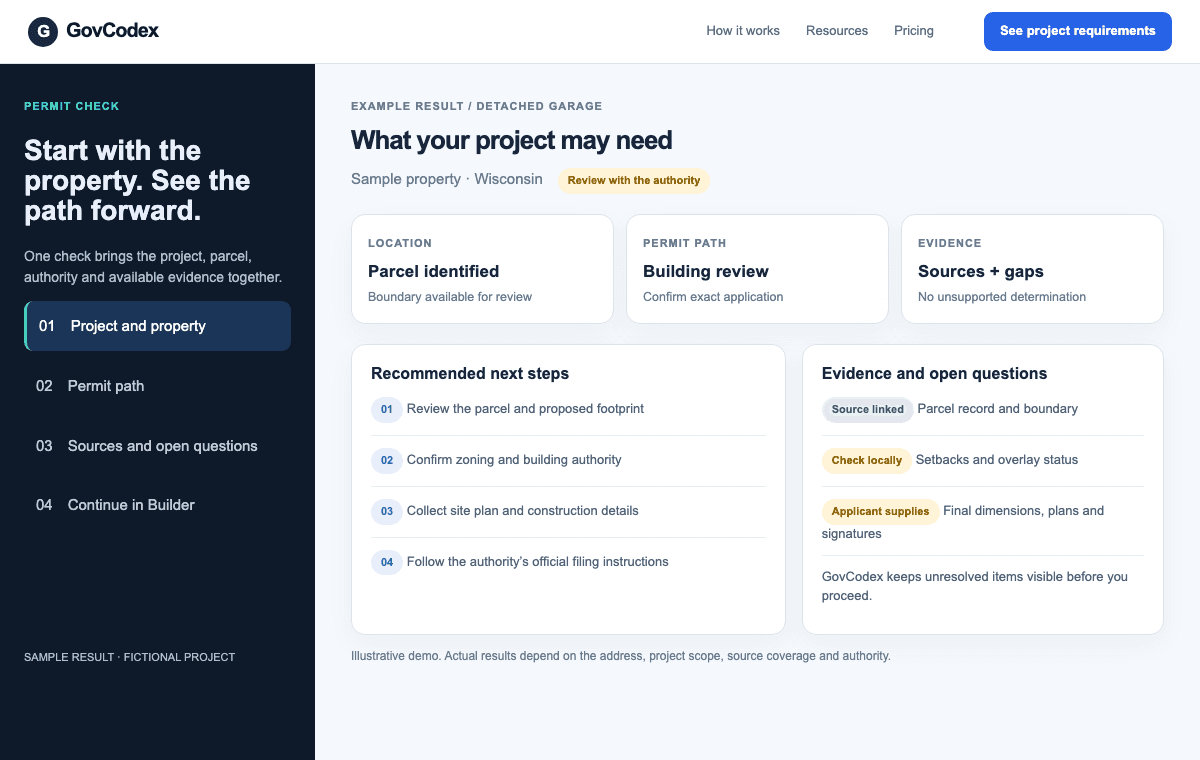
01 / SAMPLE SCREEN
Check the property and permit path
Start with an address and a proposed project. See available parcel and authority evidence, likely next steps, and the questions that still need local confirmation.
Try Permit CheckKeep your project research and preparation together in your GovCodex account.
The workspace can retain project context, generated reports and preparation artifacts for continued review. Share only the material appropriate for collaborators and verify current privacy terms for data-handling details.
Review the privacy policy and choose what to export or share with your team.
Check a projectInside GovCodex
See how the work continues after a permit search. These sample screens illustrate the workflow; findings and available tools depend on the property and local coverage.
Start with an address and a proposed project. See available parcel and authority evidence, likely next steps, and the questions that still need local confirmation.
Try Permit Check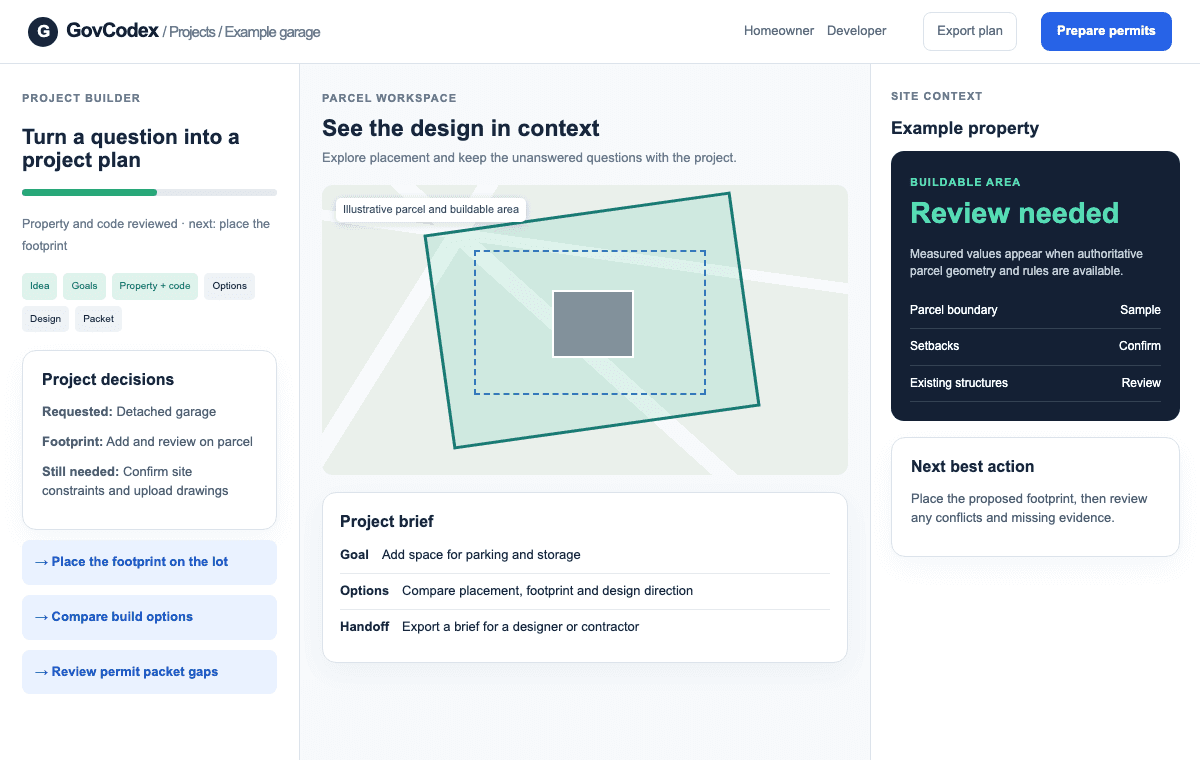
Carry the check into a saved workspace. Explore the lot, compare placement and design options, and make the missing inputs visible before preparation.
Start a project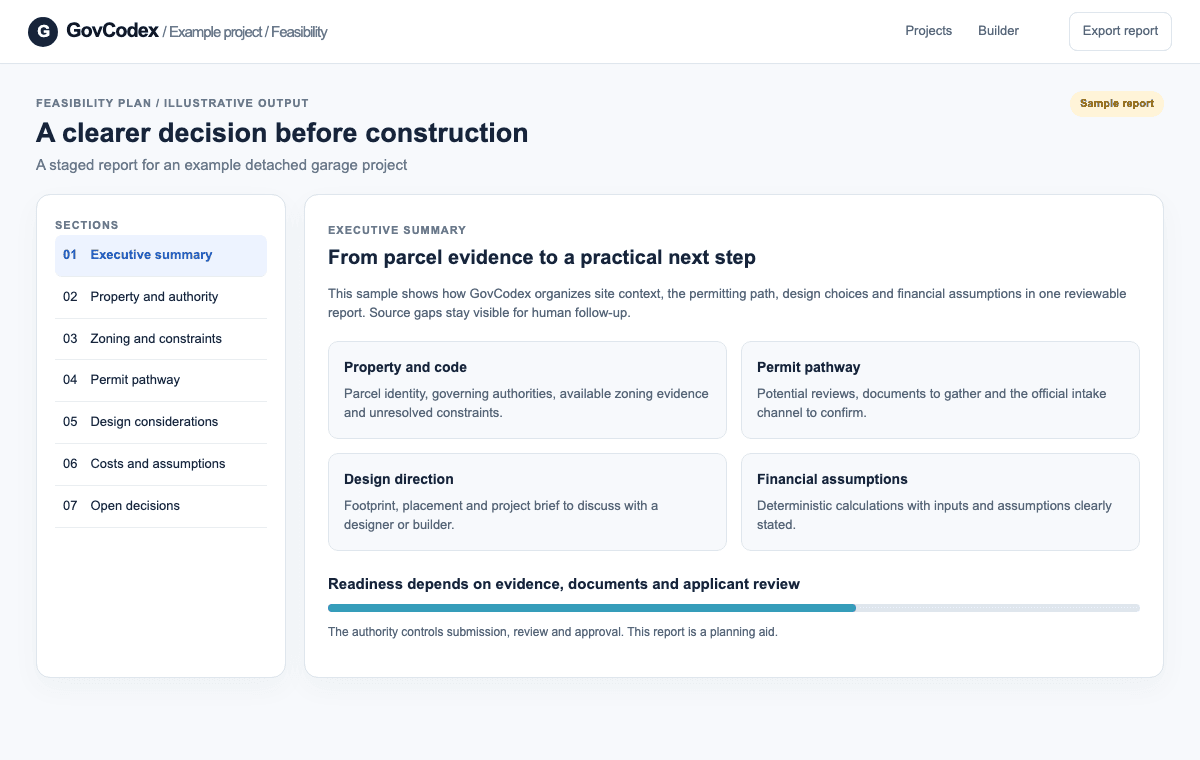
Bring property findings, permit steps, design direction, and assumptions into a feasibility report or project brief. Confirm official forms and filing instructions with the authority.
Explore feasibility planningIllustrative UI demos with fictional project data. GovCodex supports research and preparation; the issuing authority controls submission, review, and approval.