
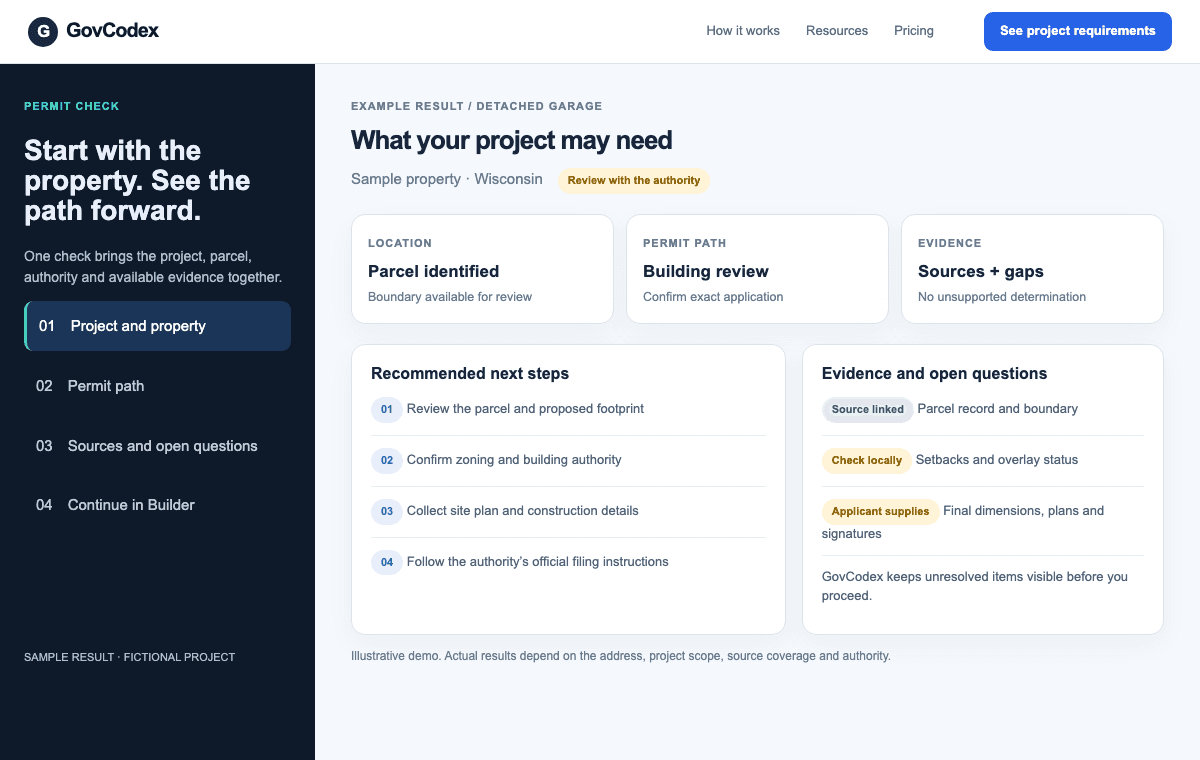
01 / SAMPLE SCREEN
Check the property and permit path
Start with an address and a proposed project. See available parcel and authority evidence, likely next steps, and the questions that still need local confirmation.
Try Permit CheckTurn parcel, permit, design and financial assumptions into a reviewable planning picture.
A feasibility report can explain a project’s evidence and assumptions. Portfolio views help a project owner see their own work; GovCodex does not claim agency-wide permit volume or approval-rate analytics.
Validate costs, timelines and regulatory conclusions before committing capital.
Check a projectInside GovCodex
See how the work continues after a permit search. These sample screens illustrate the workflow; findings and available tools depend on the property and local coverage.
Start with an address and a proposed project. See available parcel and authority evidence, likely next steps, and the questions that still need local confirmation.
Try Permit Check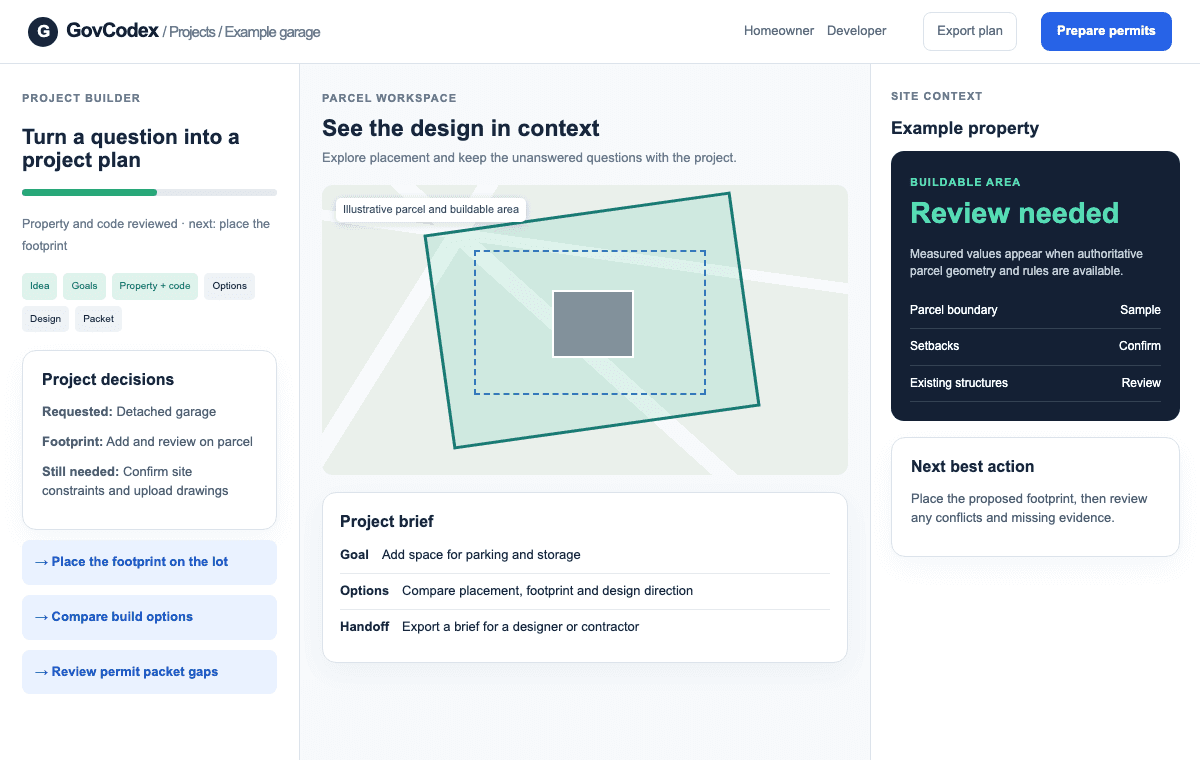
Carry the check into a saved workspace. Explore the lot, compare placement and design options, and make the missing inputs visible before preparation.
Start a project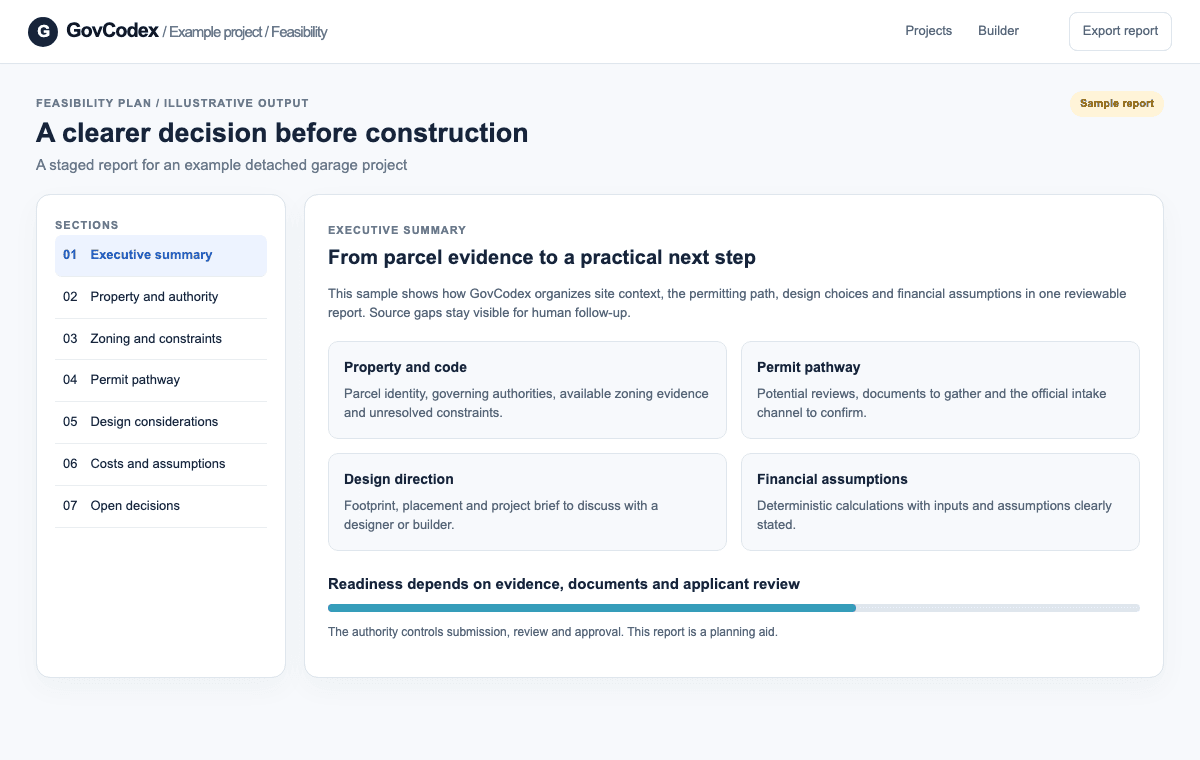
Bring property findings, permit steps, design direction, and assumptions into a feasibility report or project brief. Confirm official forms and filing instructions with the authority.
Explore feasibility planningIllustrative UI demos with fictional project data. GovCodex supports research and preparation; the issuing authority controls submission, review, and approval.